A piano roll
for your thumb.

Sketch melodies one-handed. Loop, edit, route, and export before the idea cools off.
iPhone & iPad · iOS 17+ · AUv3 plug-in included · No account, no ads

The Riffpad editor

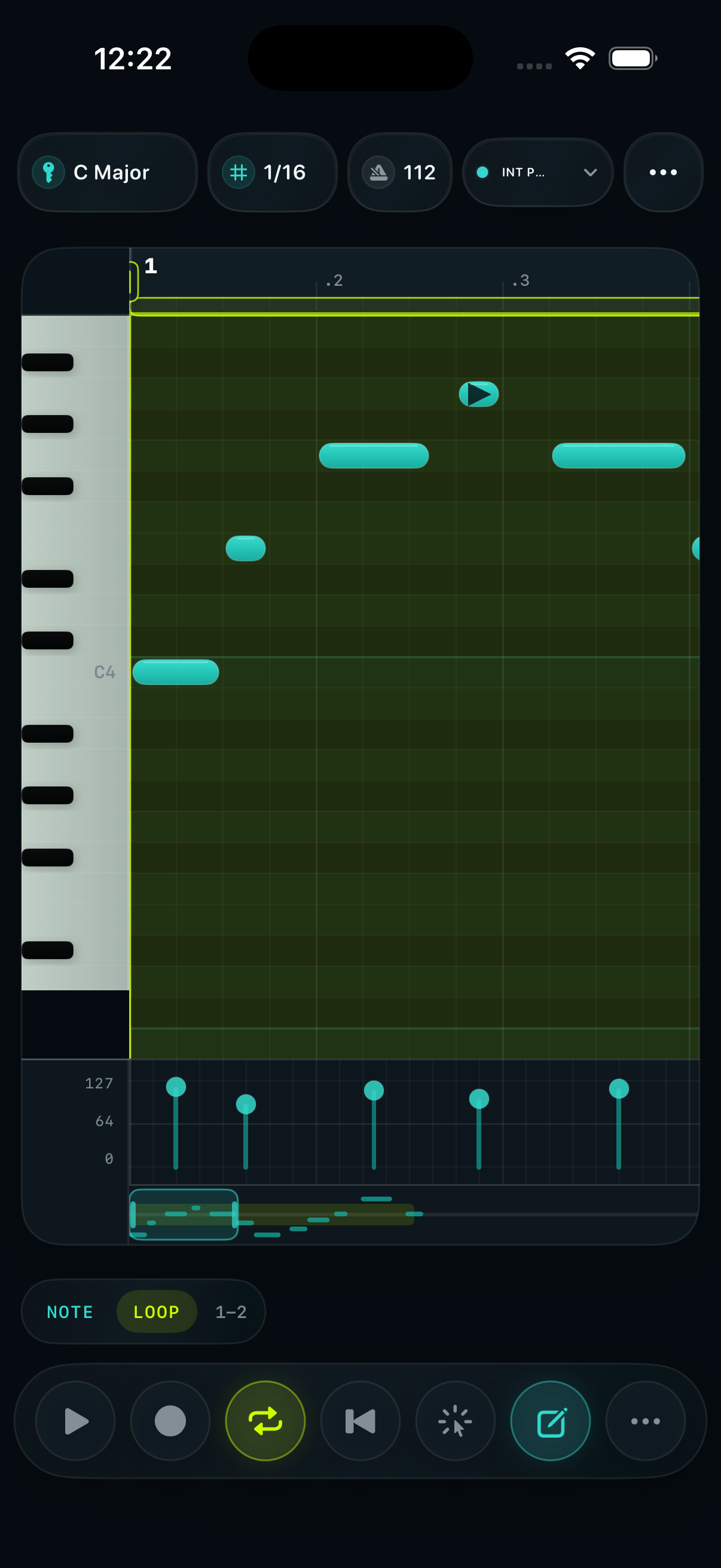
  • Key-aware gridStay in C Major or any key — wrong notes never land.
  • True 1/32 snapTight enough for real phrasing, big enough for thumbs.
  • Velocity laneShape dynamics without leaving the loop.
Riffpad editor showing the dark piano roll grid, teal notes, velocity lane, and transport controls

Draw the line.
Keep the loop moving.

Riffpad keeps the editor close to your thumb: place notes, reshape the hook, stay in key, and export the idea.

01 · Draw

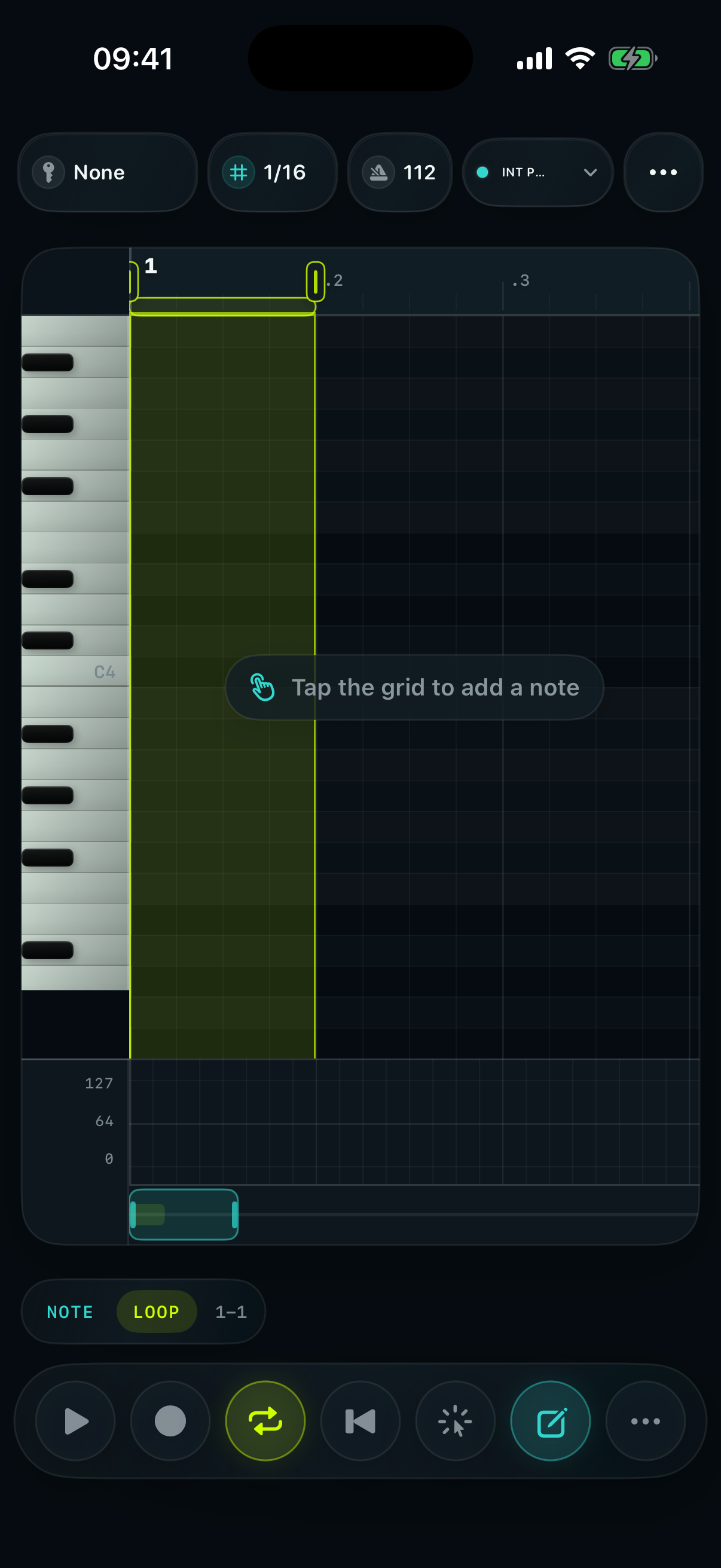
Tap directly on the grid.

No desktop toolbar hunt. Notes land where your thumb is already working.

02 · Shape

Move, resize, quantize fast.

Scale lanes, snap, and haptic ticks make quick edits feel mechanical, not fiddly.

03 · Send

Route the sketch out.

Use MIDI, AUv3 instruments, MIDI files, or WAV previews when the line is ready to leave the phone.

Light desk.
Dark studio.
Same roll.

Start in the bright capture surface, then switch to the darker editor when the loop needs focus.
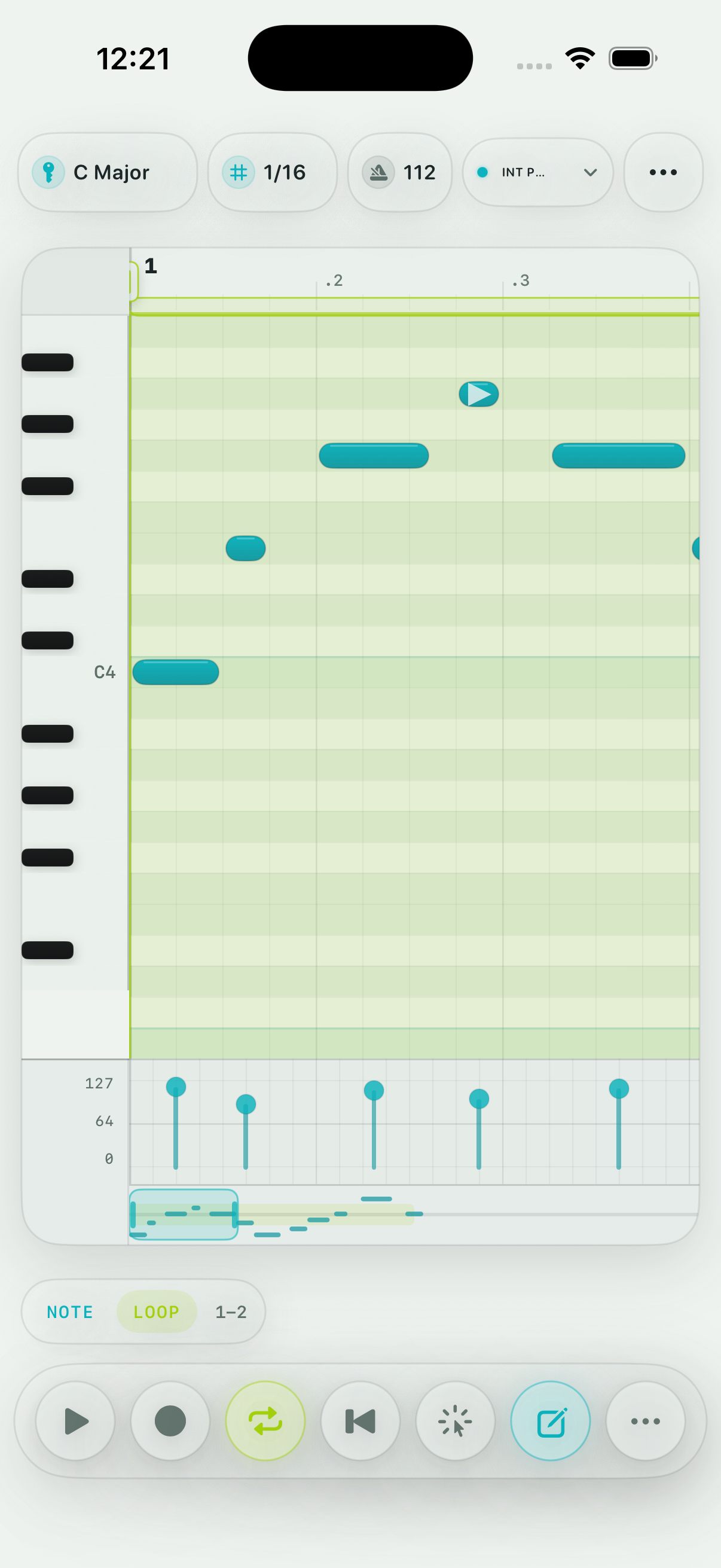
Riffpad light appearance on iPhone
Light capture
Riffpad dark appearance on iPhone
Dark focus
Riffpad dark piano roll with note grid, velocity lane, and thumb controls

Built for the gear path musicians actually use.

Riffpad is a focused sketchpad, not a tiny all-purpose DAW. Capture the melodic shape, then move it into the rest of your setup.
  • Riffpad AUv3 MIDI plug-in — run the roll inside AUM, Loopy Pro, and Logic
  • AUv3 instrument hosting and MIDI processor workflows
  • Core MIDI and Bluetooth MIDI routing
  • MIDI import, MIDI export, and WAV preview export
  • Local patterns with no account, feed, ads, or tracking SDKs
Riffpad app icon

The sketch starts on your phone. Now it ends in your host.

Riffpad now ships with an AUv3 MIDI plug-in, so the same loop you draw on the sofa can drive synths inside AUM, Loopy Pro, or Logic. One purchase, no subscription.